 DeskSpace
Buying guides 6 MIN
Monitor Arm vs Stand: Which Gives You More Room to Work?
Make a place for your notes or move the screen with your task. Explore the current LX Pro when an arm would solve that specific problem.
Compare the optionsPlan your home office around the work in front of you. Explore screen layouts, cable organization and seating choices before replacing what you already own.
Make a place for your notes or move the screen with your task. Explore the current LX Pro when an arm would solve that specific problem.
Compare the optionsExplore the original C300 for a mesh seat, or original Branch for foam beneath a mesh back. Let the seat you want to try guide the shortlist.
Compare the optionsGive the notebook a place without crowding the mouse or blocking daily connections. Try a useful rearrangement before replacing the desk.
Read the guide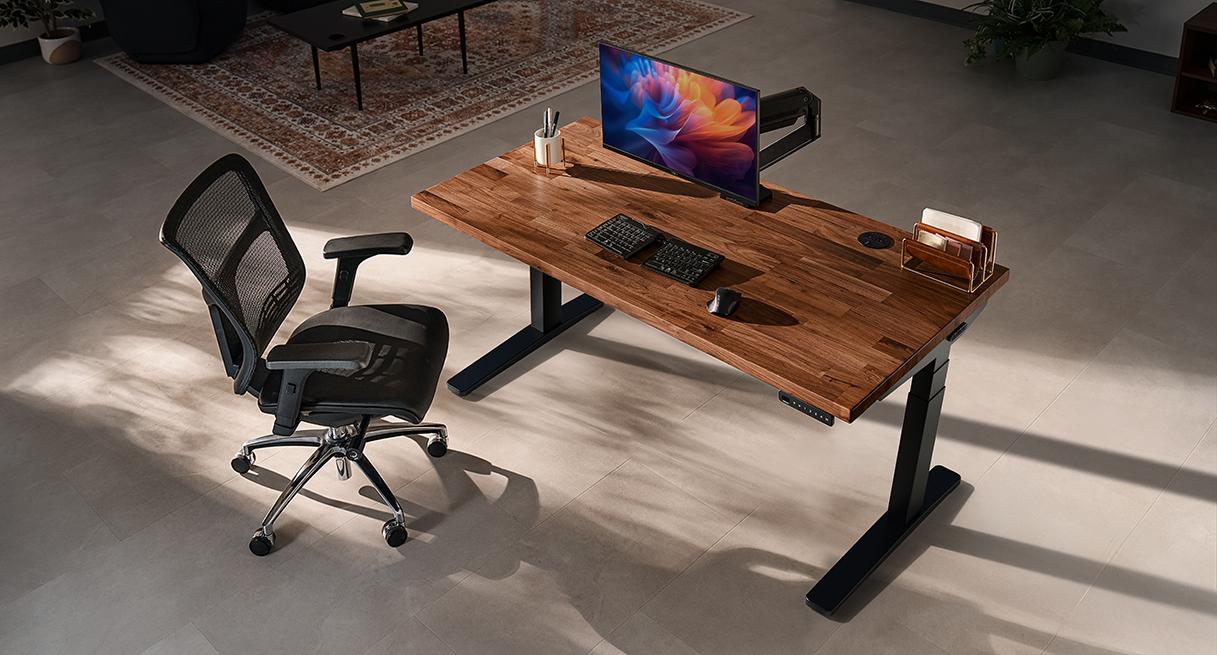 Buying guides
UPLIFT V3 picturedImage supplied by UPLIFT Desk · Manufacturer product information
Choose the surface, controls and cable storage for your daily handover, then keep optional extras from taking over the order.
Read the guide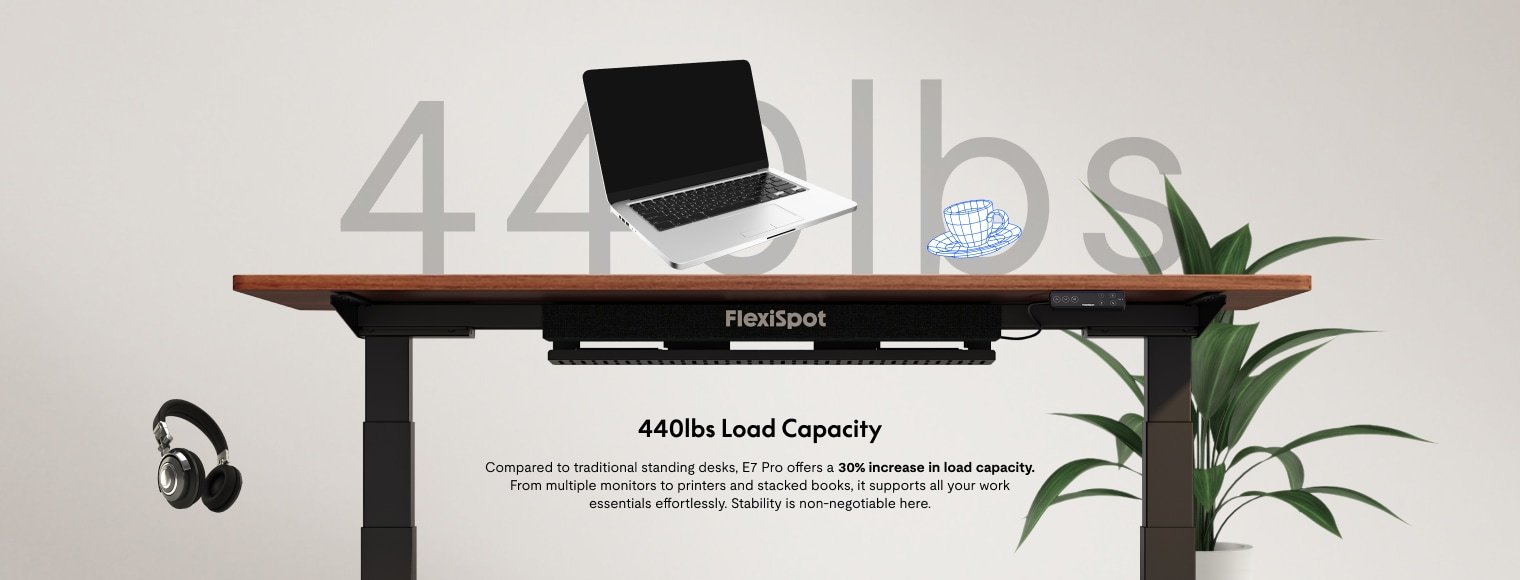 Buying guides
Official product visualFlexiSpot · Official product source
Choose around the surface and equipment you want to keep, or the storage you want integrated. Each route starts with a different everyday need.
Read the guide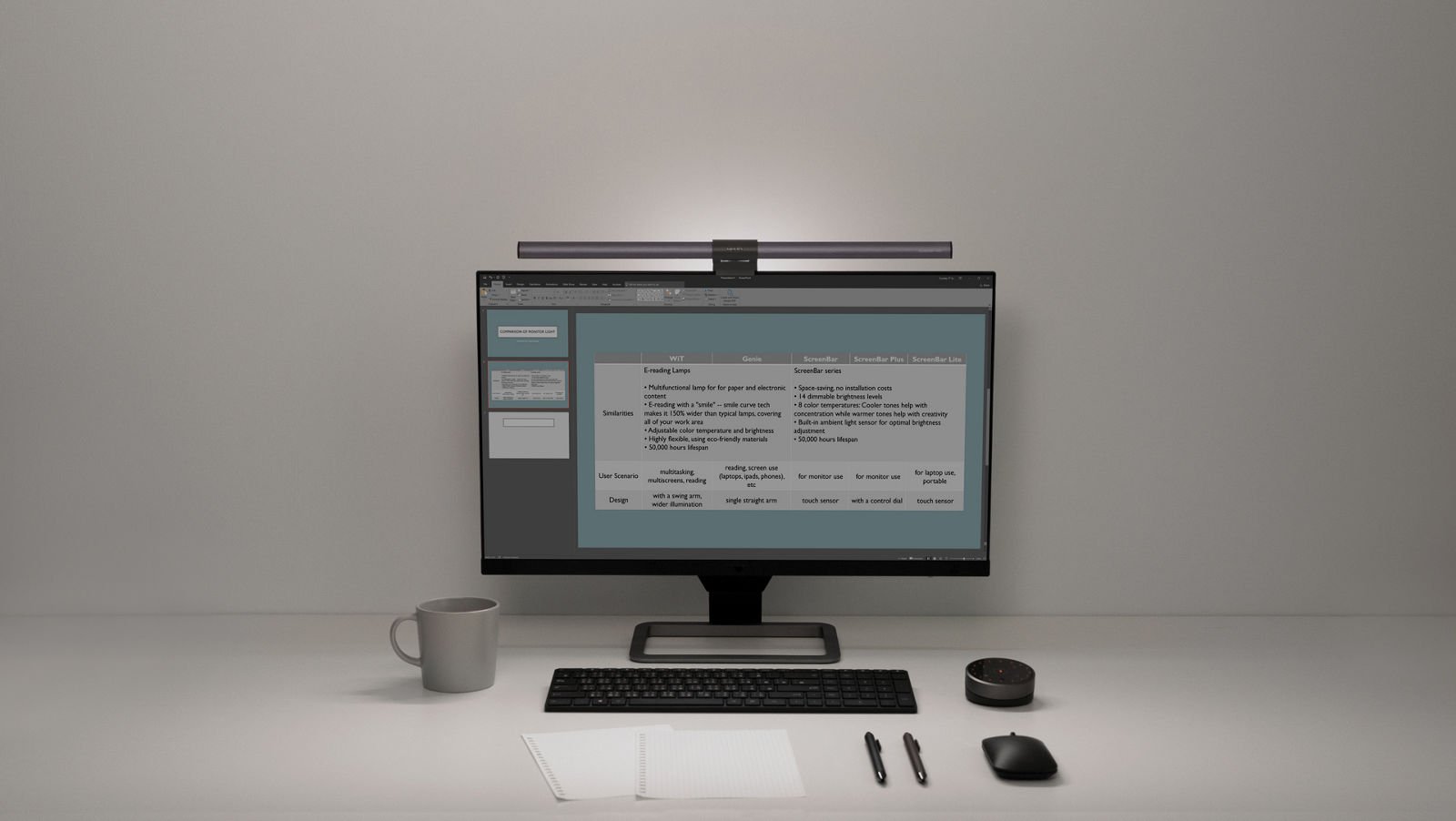 Buying guides
Official product visualBenQ · Official product source
Choose a useful next step for a reflected window, a shadowed document or a crowded desktop before adding another light.
Read the guide Buying guides
Official product visualFlexiSpot · Official product source
Set the chair, keyboard and screen together, then identify which part of the complete desk needs changing.
Read the guide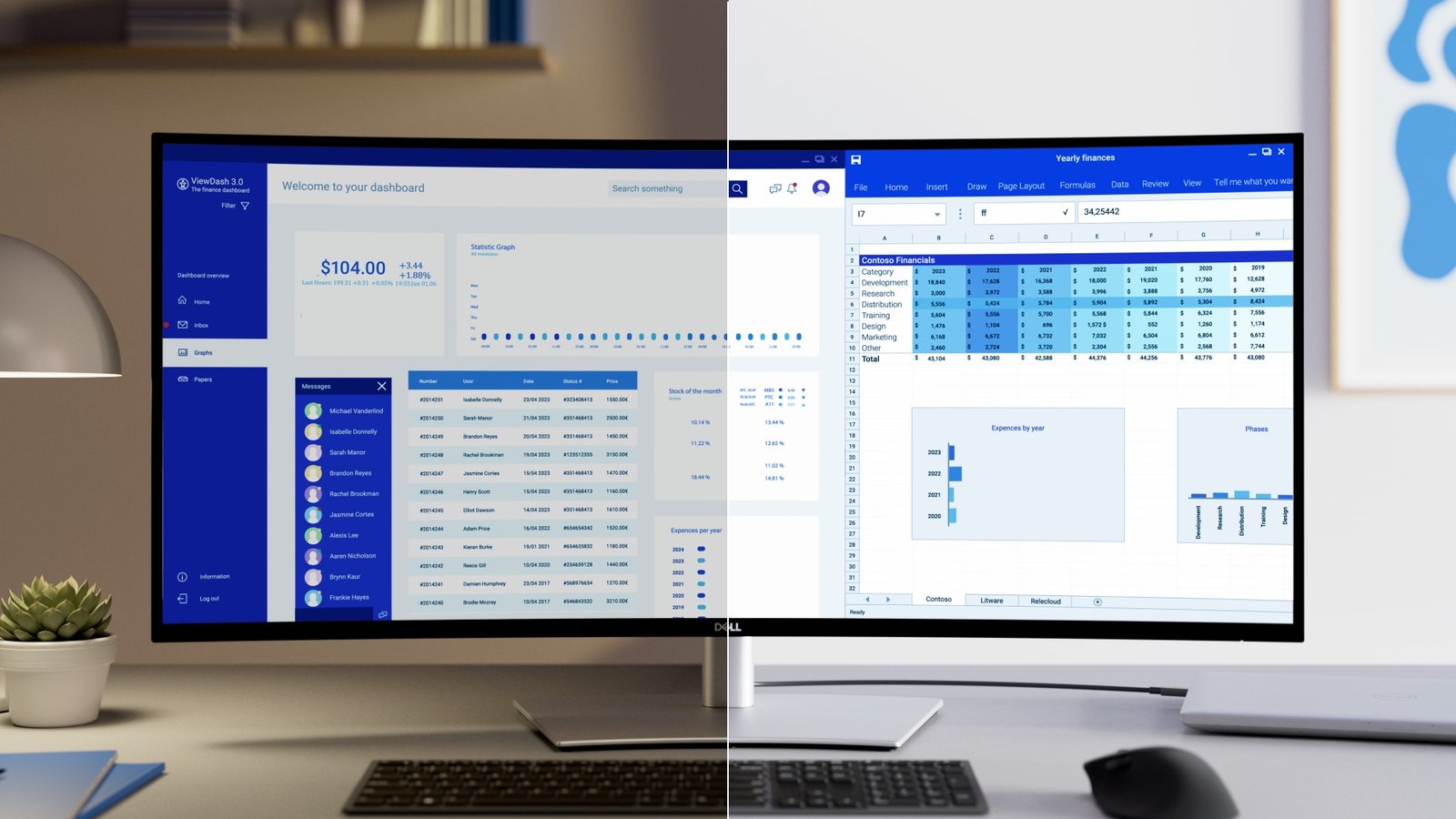 Comparison
Official product visualDell · Official product source
Separate reference material from the task in front of you, or give continuous work an uninterrupted canvas. Start with the windows you actually use.
Compare the options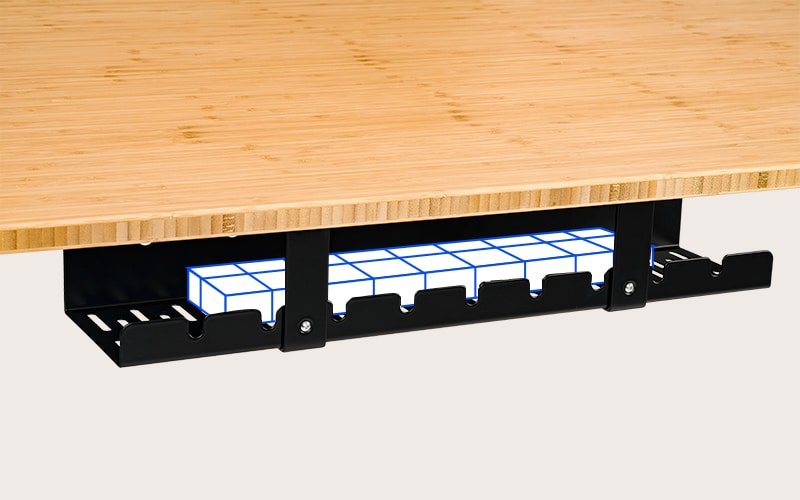 Buying guides
Official product visualFlexiSpot · Official product source
Keep your everyday laptop connection within reach, give moving cables room to travel, and make the next equipment change less of a project.
Read the guide