DeskSpace
Start with what you want to keep or make simpler. A desktop you like, an established display mount or a collection of small objects needing a drawer can lead to different FlexiSpot choices. There is no reason to rank every reader's setup in the same order.
Consider E7 Pro when selecting a desktop and arranging equipment underneath are the main priorities. Consider regular E7 Plus when its four-leg layout serves a deliberately planned work surface. Consider Comhar Pro Q8 when integrated storage suits the work and you accept the layout that comes with it.
Keep the current desk while resolving a missing installation answer. A larger specification or another model name cannot make an unapproved arrangement ready to use.
- KEEPIdentify what already works
Decide which surface, mount and equipment you want to retain.
- ARRANGEChoose the useful layout
Check supports, working positions and space underneath.
- CONFIRMReview the complete package
Obtain installation guidance and order terms before comparing totals.
E7 Pro: choose the surface and plan the underside
The current E7 Pro documents rearward supports, desktop choices, cable storage and memory settings. The rearward arrangement is worth investigating when the equipment and space beneath the surface matter to your layout. Its shape alone does not certify that your chair or attachments will fit.
A retained top needs approval for the support arrangement and fixing method. Check the material, mounting locations and any clamp before assuming reuse. Then confirm the finished seated and standing positions with the selected supports and equipment. A remembered setting is useful only when the setup reaches the position needed.
The E7 Pro guide is the next step for this configurable path. Claims about quietness, stability or longevity do not become independent findings because they appear on a manufacturer's page.
E7 Plus: choose four legs for a defined layout
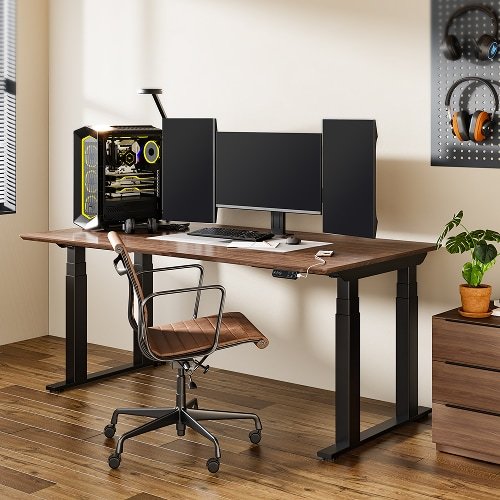
Regular E7 Plus offers a different support arrangement for a planned work surface. Consider it when the top and equipment layout justify investigating that frame, while leaving room for the attachments beneath it. More supports are not automatically a better answer to an ordinary laptop-and-notebook setup.
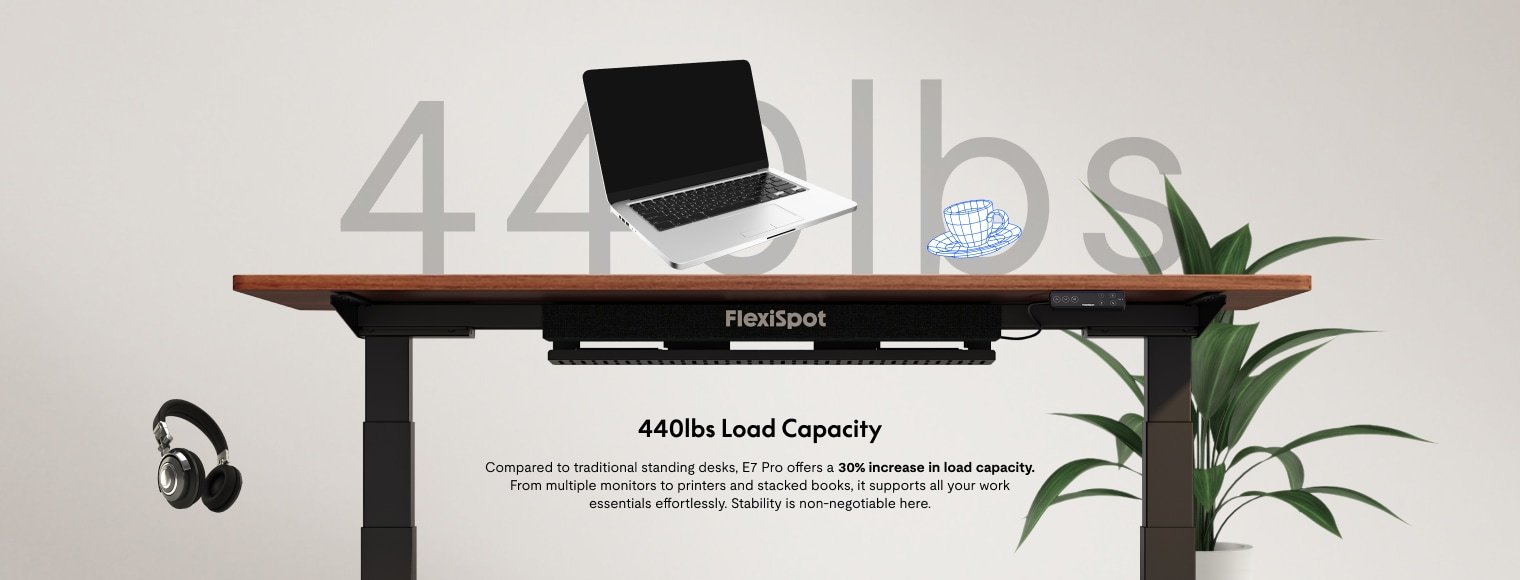
The current manufacturer's load guidance includes the desktop as well as the equipment. That clarification does not establish the behavior of every loaded setup. Top preparation, fixing instructions and accessory locations still need checking for the actual selection.
Use the E7 Plus guide for the regular model. Plus Fit, Plus Max and E7Q are separate configurations; their characteristics cannot be substituted to resolve a limitation in a regular Plus proposal.
Q8: give integrated storage a specific job
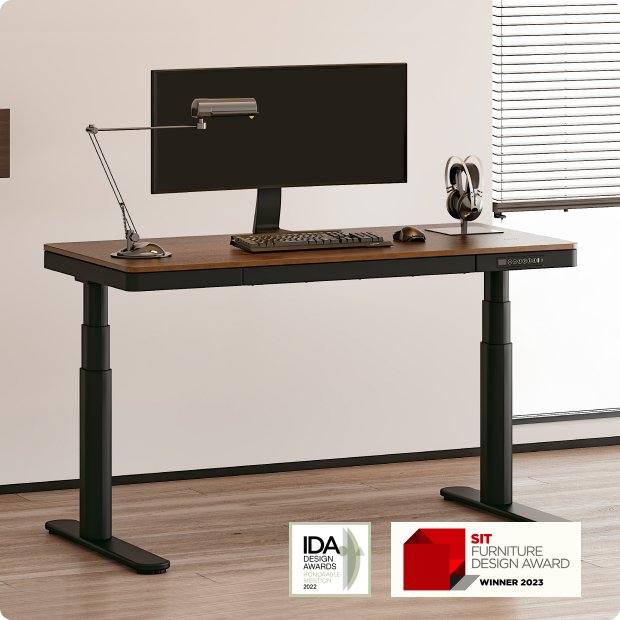
Comhar Pro Q8 combines a defined surface with a drawer and charging features. It is worth considering when pens, adapters or other small items need an accessible home and the built-in layout suits your work.
The drawer also occupies space below the surface, so check chair approach and display-clamp placement. Charging ports do not replace a laptop's data or video connection. Keep the existing dock in the arrangement when it still performs those tasks. The Q8 guide separates those conveniences from their mounting and device limits.
A retained top changes the shortlist
Imagine a reader who likes an existing desktop and wants to keep the display mount attached to it. The useful starting point is approval for that top and mount on the proposed frame, including access underneath. E7 Pro may be a relevant first investigation because its surface and support arrangement can be selected together; the existing parts still need confirmation.
Regular Plus becomes relevant if its particular layout serves the same work and accommodates the approved top. Q8 asks a different question: would the supplied integrated desk and drawer be more useful than keeping the current surface? It is not automatically an equivalent destination for the retained top and mount.
This is an illustrative planning choice, not a configuration we built. If none of the proposed installations can be confirmed, keep the working setup or reconsider the requirement. Do not convert an unanswered compatibility question into an assumed saving.
Compare complete choices after the layout works
Review the selected model, top, controller, necessary mounts, delivery and installation together. The desk-budget tool helps organize actual quoted costs; it does not supply fit approval or verify a current price. Check returns and component coverage for the exact package before relying on a home trial.
The standing-desk comparison provides broader context. Use E7, E7 Pro and E7 Plus side by side when the names remain unclear, or UPLIFT V3 versus E7 Pro for a relevant cross-brand choice. The E7L guide remains an identification route, not a verified current purchase recommendation. The same care applies to older E5 and Kana references.
Sources and review scope
We read the relevant US E7 Pro, regular E7 Plus and Comhar Pro Q8 product passages on October 29, 2026. Earlier detailed manual evidence was not freshly verified in this update.
This is documentary planning without a DeskSpaceLab installation, load, stability or medical test. Existing credited FlexiSpot photographs retain their model identities. Manufacturer imagery and capacity text do not establish performance in the reader's setup or identify every item included in an order.
About this guide: An editorial planning profile, not a medical professional. Turns workspace questions into measurements, layout decisions and practical buying sequences. Editorial profile
Keep planning your workspace.
Use the sources and related guides to choose your next step.
Explore buying guides →