DeskSpace
A notebook should have somewhere to land beside the keyboard. If the monitor base occupies that spot, moving its support could make the desk easier to use. The reason to investigate an arm is the task you want to bring back to the surface.
Consider the Ergotron LX Pro Desk Monitor Arm when the base blocks a useful place or you regularly want to reposition the screen. Keep the original stand when its adjustments and placement already work. Before ordering an arm, confirm that your complete screen, desktop and selected attachment are suitable together.
Give the space a job
An arm supports the screen from an attachment to the desk, so the freestanding base can leave the work surface. That is useful when its former place becomes a home for a notebook, drawing pad or document you reach for throughout the day.
Ergotron's US LX Pro product information and LX Pro series specification document the current articulated support. Its attachment and movement still need space; removing the old base does not clear every object beneath the screen. Picture the item you would put there before choosing a mount.
Move the screen when the task changes
LX Pro is worth examining when moving the display is part of your routine: bringing it toward a document, then moving it back to leave the desk available for another task. Confirm that the selected arm can move around the equipment you intend to keep, with cables that can follow safely.
A stand remains a sensible choice when you rarely move the screen and its existing adjustments already give you a useful position. It also avoids undoing a desk attachment when transferring the monitor to another workstation. Examine the stand you own rather than assuming every original support has the same adjustments.
Picture the change before installing anything
Imagine a reader who pushes a notebook onto the keyboard during calls because the monitor base occupies the only convenient writing spot. LX Pro becomes a candidate if the complete mounting arrangement would leave that spot usable.
For someone whose notebook already has a home and whose screen stays where it is needed, retaining the stand is the more direct answer. These are possible routines, not arrangements DeskSpaceLab has tested. Choose the support for the difference it could make to your own day.
Check what has to attach to what
The main trade-off is installation. Verify the complete screen and its rear attachment, the selected arm and mount, and the actual desktop together. Access around and beneath the desk edge matters. Ask Ergotron to confirm the combination if the desk construction or supplied kit is unclear.
The LX Pro specification distinguishes mounting options; a product-family page does not mean every color or attachment is supplied in one package. Confirm the selected configuration and included fixing before ordering. Classic LX is a separate generation, so its instructions and seller listings must not silently stand in for LX Pro.
Cables must follow the permitted arm and desk movement without pulling at their connections. Our cable-management guide helps plan that route. No result established here shows that adding an arm will cure movement in the desk itself.
A shelf may answer a different problem
If storage is the issue and you do not need an articulated screen, our Grovemade Desk Shelf guide examines a different approach. A shelf does not provide the movement of an arm, and keeping or rearranging the current stand may be enough.
If opening a useful writing area or repositioning the screen remains the missing change, take the LX Pro choice forward. At Ergotron, confirm your selected attachment, exact equipment combination and return conditions. That check connects the improvement you want with the configuration you would actually order.
Sources and review scope
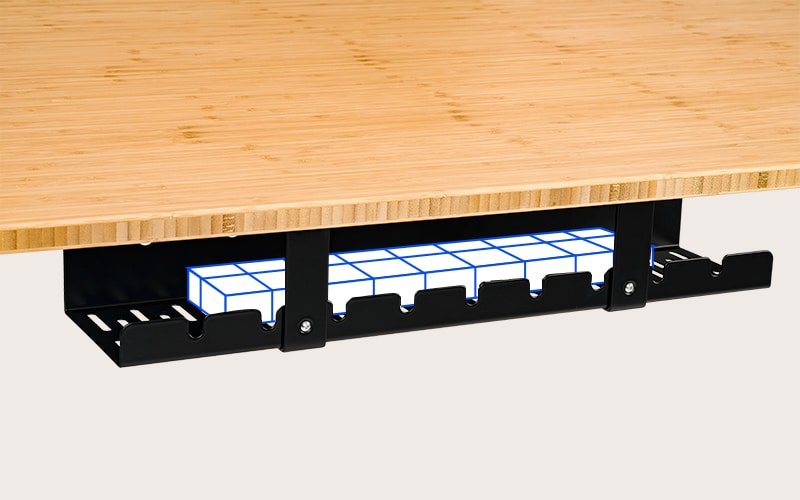
Ergotron's linked US LX Pro product page and Americas LX Pro specification were checked October 26, 2026. The current LX Pro is distinct from Classic LX. Manufacturer documentation establishes the described design, not our measurements or a fit guarantee. DeskSpaceLab has not tested the arm, these arrangements or their stability. The original diagram illustrates support categories rather than an LX Pro installation.
About this guide: An editorial planning profile, not a medical professional. Turns workspace questions into measurements, layout decisions and practical buying sequences. Editorial profile
Take the LX Pro choice to the manufacturer.
If the space or movement benefit answers your recurring problem, confirm the configuration that would bring it to your desk.
Review LX Pro options at Ergotron.
Confirm the selected attachment, complete screen and desktop before choosing the version to order.