DeskSpace
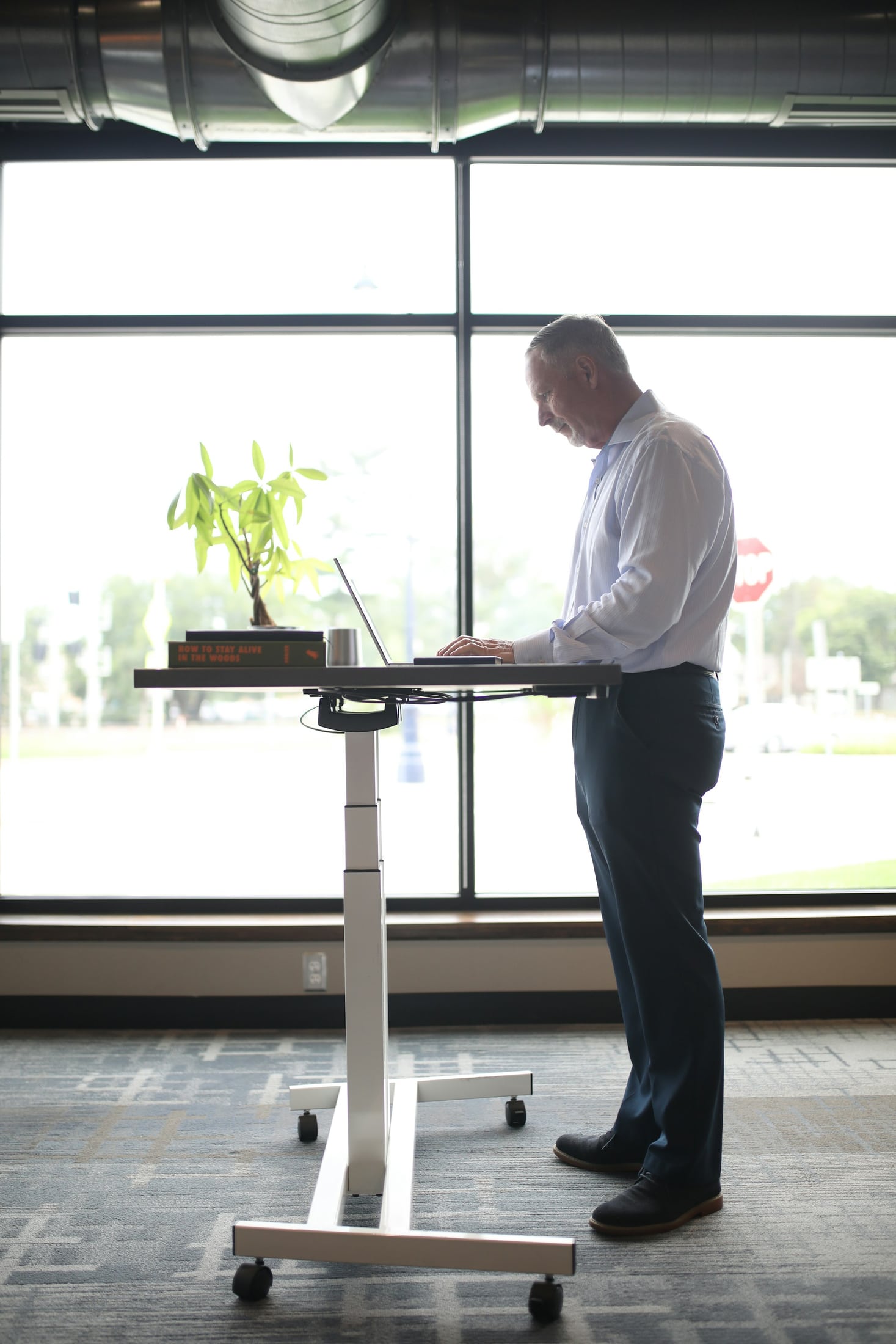
You stand up to continue a call, then discover that the notebook you need is still on the desk below. Raising the screen solved only part of the task. The more useful question is which parts of your work should come with you when you change position.
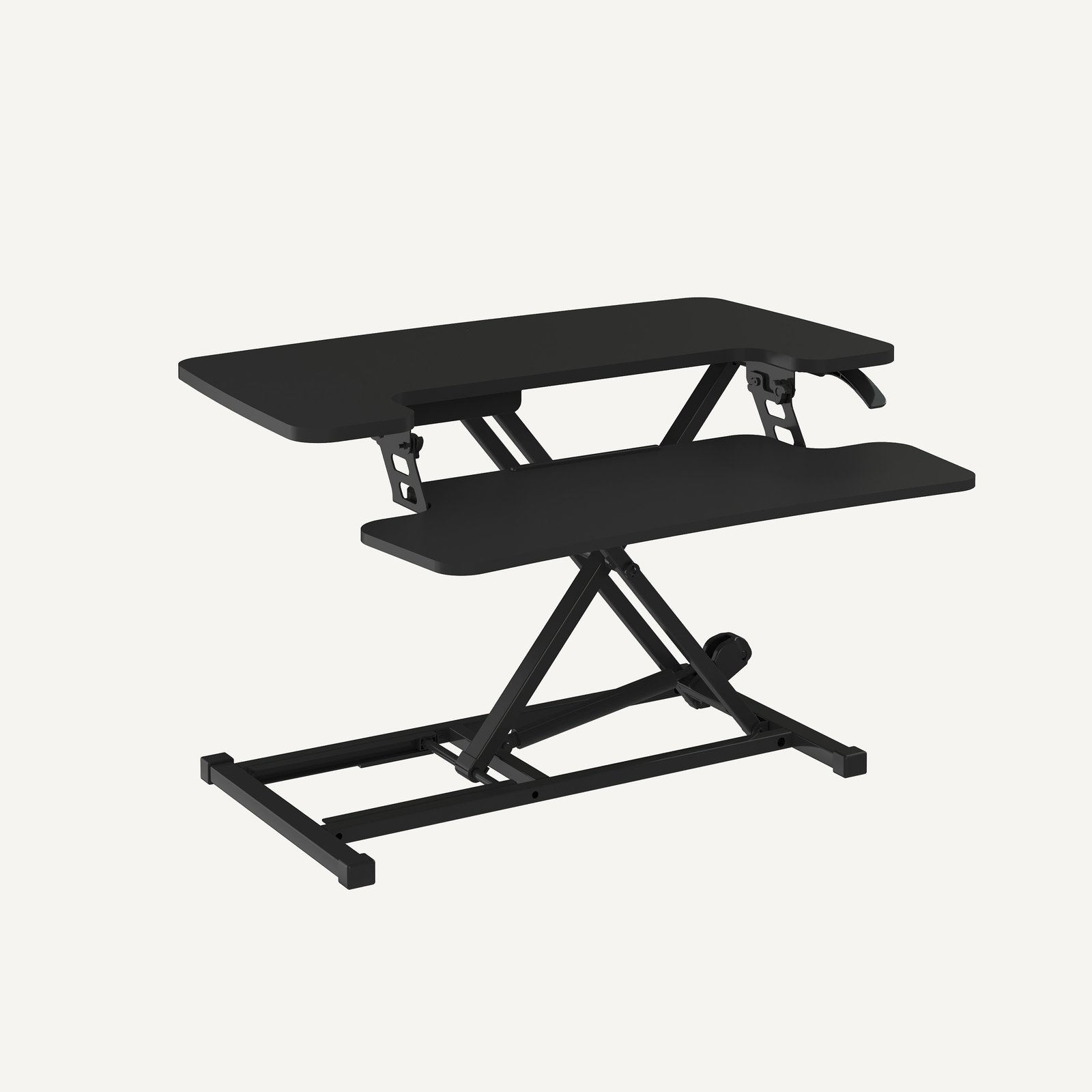
A desktop converter raises working platforms above furniture you keep. A height-adjustable desk moves its work surface. Consider the converter when you like the existing desk and can bring the necessary equipment together on an approved arrangement. Consider replacing the desk when your work depends on the surface around the computer, or the seated setup already needs to change.
Neither approach guarantees a suitable position. Compare them with the same equipment and ordinary activities before deciding how much of the workstation to replace.
Follow the task beyond the screen
Start with something you actually want to do standing: take a call while consulting notes, read a document, or continue typing. Name the things involved and where your hands need to go. A screen, keyboard and mouse may be enough for one task; a notebook or reference document may be essential to another.
CCOHS's sit-stand desk guidance considers the working arrangement in both positions, including access, adjustment and cables. Apply that whole-workstation view to the choice rather than treating screen movement as the entire benefit.
Decide what can reasonably remain on the original desk. An occasional charging device has a different role from notes you consult throughout a conversation. You do not need every object to rise, but the objects that stay behind should not make the intended task awkward to continue.
Keep a desk that already earns its place
A converter is worth investigating when the existing furniture already serves you well. You may want to retain its storage, its appearance or its place in the room. The potential benefit is adding a standing arrangement while keeping those useful parts.
The converter must still work with that furniture and the equipment it will carry. Confirm the host surface, permitted equipment and installation instructions for the exact version. A product photo cannot establish that an existing desk can support it or that a particular monitor mount is approved.
Converter designs also differ. SAFE Work Manitoba's workstation fact sheet distinguishes different platform arrangements and notes that fixed separation between components can affect adjustment. Check the screen position separately from the keyboard instead of assuming they will both land where you want them.
Also examine what remains available around the converter. If placing it on the desk displaces a frequently used notebook, that lost working area belongs in the decision.
Move the working surface when the task needs it
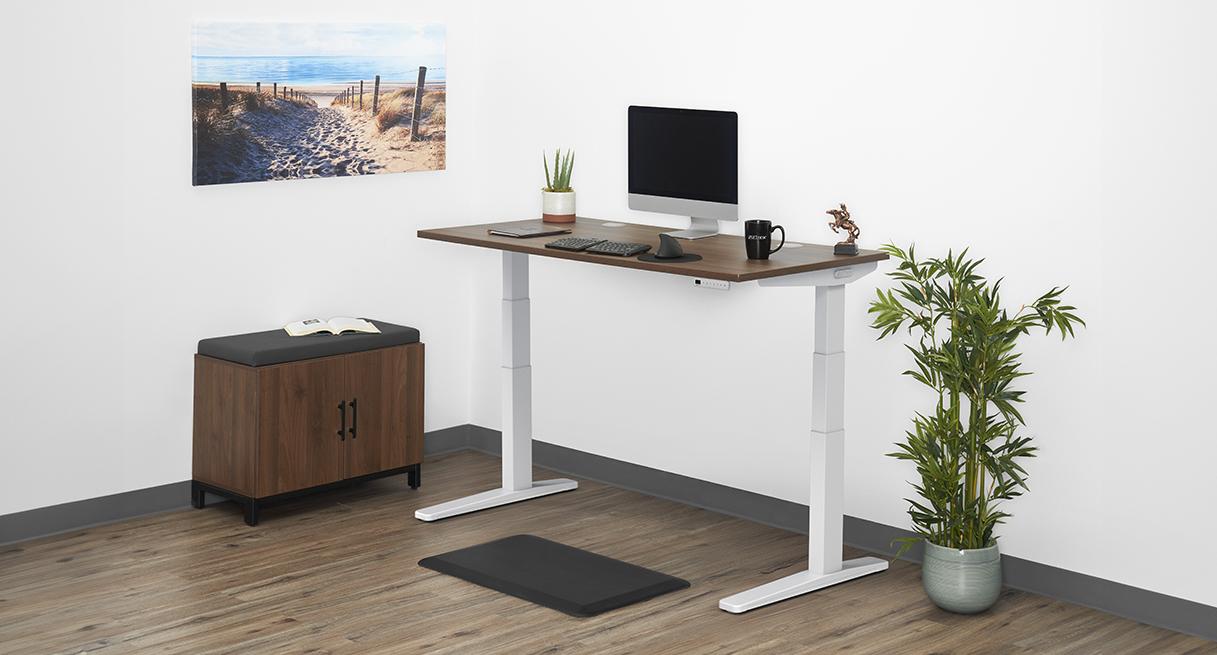
A complete standing desk can be the more relevant intervention when the task spreads across the surface. If you repeatedly move between a keyboard, notes and paper documents, raising the working surface offers a way to keep that arrangement together.
It also means choosing furniture again. Consider the storage you would lose, the chair's access, the room position and the connections that must travel with the top. Replacing a desk is a broader change than adding a platform, even when both are presented as ways to work standing.
The manufacturer's UPLIFT V3 configurator illustrates that whole-desk approach through desktop and configuration choices. FlexiSpot's AlcoveRiser M7 family page illustrates an add-on with a separate keyboard platform. These are examples of the different interventions, not a recommendation of either model or evidence that every pictured accessory is included.
Take the same work through each option
Imagine a reader whose desk holds a laptop, an external screen, a keyboard, a mouse and a notebook. During calls, the notebook stays open beside the keyboard. During paper review, the reader needs somewhere to put a document down without covering the inputs.
For the converter route, the reader checks which of those items can occupy its approved platforms. If the notebook must stay on the original desk, they consider whether the standing call still works. They also check how the arrangement returns to seated typing and where the document goes during review.
For the complete-desk route, the same reader examines whether the chosen top can keep those tasks together while preserving chair access and a workable cable route. Moving more equipment is useful only when the whole arrangement can move as instructed.
The conclusion could favor either approach. It could also be to keep the desk unchanged while resolving the layout first. This is an imagined comparison method, not an installation we built or tested.
Judge the return to sitting as carefully as standing
An appealing raised position does not settle the choice. Check the keyboard, mouse and screen again when seated. With a converter, pay particular attention to what its lowered platforms change above the original surface. With a complete desk, confirm that the chosen arrangement serves seated work too.
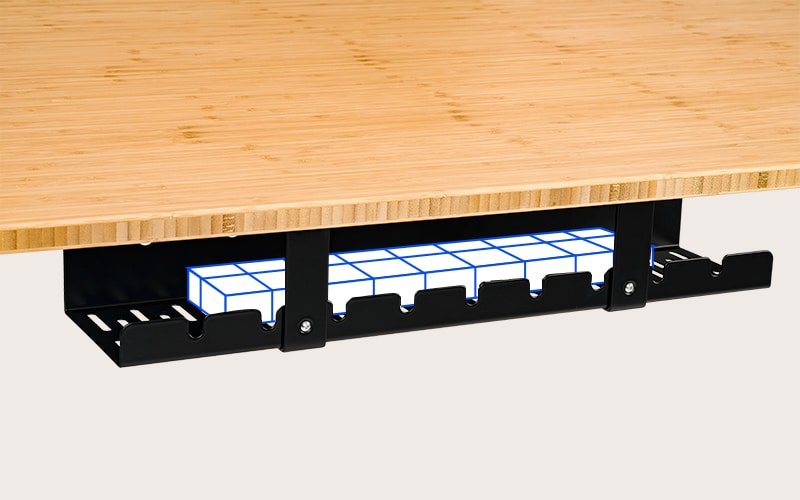
Follow the manufacturer's adjustment and loading instructions; do not improvise a loaded lifting trial. Check that cables and nearby objects allow the intended movement without pulling connections or creating an obstruction. The cable-management guide addresses that separate planning step.
Choose the intervention before the model
Keep the converter route open when retaining the furniture has a clear benefit and the complete task fits an approved arrangement in both positions. The AlcoveRiser guide explains the identification and mounting questions for that particular family.
Explore a complete desk when moving the surface addresses something the add-on leaves unresolved. The UPLIFT V3 guide takes that next question into a specific configurable desk. If neither intervention solves the ordinary task, revise the arrangement before choosing new furniture.
Sources and review scope
The official manufacturer pages and CCOHS and SAFE Work Manitoba guidance linked here were read November 2, 2026. Canadian guidance informs planning questions; it is not presented as a US home-office requirement. The task comparison is DeskSpaceLab editorial analysis, not a fit assessment, product test or health claim.
About this guide: An editorial planning profile, not a medical professional. Turns workspace questions into measurements, layout decisions and practical buying sequences. Editorial profile
Keep planning your workspace.
Use the sources and related guides to choose your next step.
Explore buying guides →