DeskSpace
A desktop can fit into an alcove while the complete workstation still prevents a chair from approaching, a door from opening or a screen from moving. A compact setup needs to leave the room usable as well as provide a place to work.
Start with the existing arrangement. Consider a smaller approved desktop configuration when the furniture itself needs changing. Consider a converter when you want to retain a suitable desk and raise selected equipment. A converter does not reduce the floor space occupied by its host furniture.
- Floor spaceCheck supports, chair approach, doors and circulation.
- Working surfaceGive the keyboard, mouse, display and essential materials a usable place.
- MovementCheck screen adjustment, desk travel and cable access.
Let the room rule out the wrong arrangement
Look beyond the top's edges. Desk supports may occupy a different footprint, the chair needs its own approach, and nearby furniture can restrict movement. A wall behind the desk may limit a monitor's adjustment or access to connections even when the surface itself fits.
Imagine a reader considering a desk for an alcove. The top appears to fit, but the proposed chair position obstructs the room's door. The useful first step is to investigate another permitted location or arrangement, not to assume that a slightly different top will solve the complete conflict.
In another setup, the chair approach may work while the rear of a screen or its cables cannot move as needed. Repositioning equipment might solve that problem without replacing the desk. These are hypothetical room decisions, not measured installations or product-performance tests.
Keep enough useful surface for the task
A narrow surface is useful only if the work still has a place. Consider the keyboard and mouse together, the display support and the material you consult. Do not move essential objects out of reach simply to make the top look uncluttered.
OSHA's desk guidance treats space for equipment and access to frequently used items together. Its monitor guidance considers the screen with the other workstation components. Neither approves a particular small desk or makes a viewing recommendation a minimum-depth formula.
Check the working positions using the workstation-height method. A surface that fits the room may still leave the inputs in an unsuitable position. If the existing desk already serves those tasks, keeping it while changing storage or placement may be the better compact-space decision.
Two different ways to change the setup
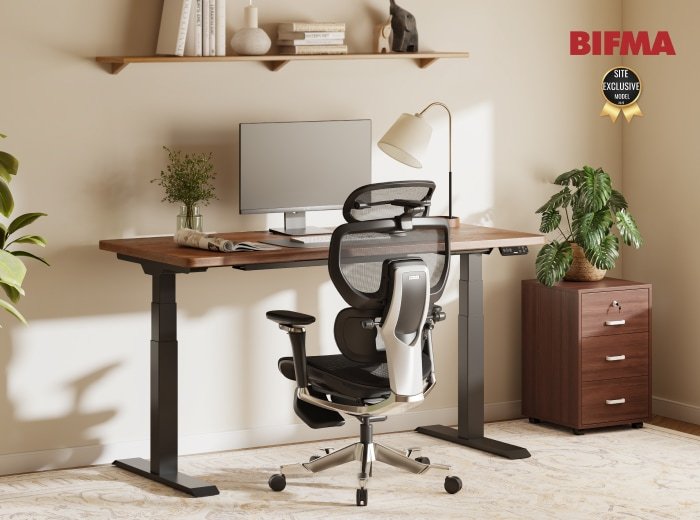
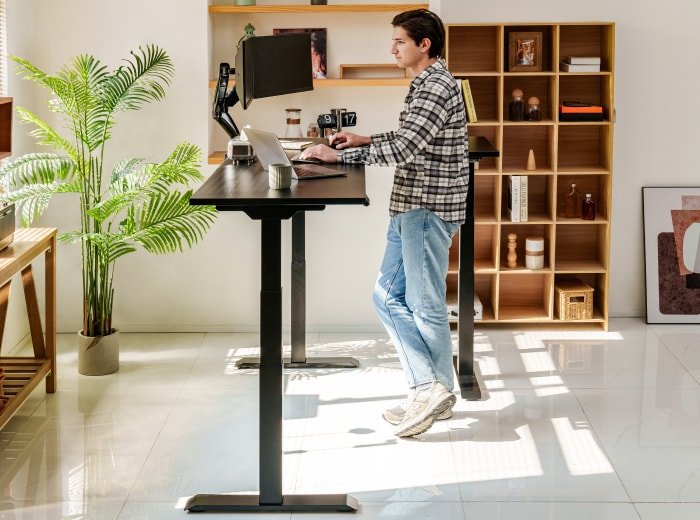
A configured frame and suitable desktop can replace the furniture. The current original FlexiSpot E7 is one documented family to investigate, but a small retained top still needs explicit approval for the frame, fasteners and attached equipment. A top fitting visually does not establish supported installation. The E7 family comparison keeps original E7, Pro and Plus separate.
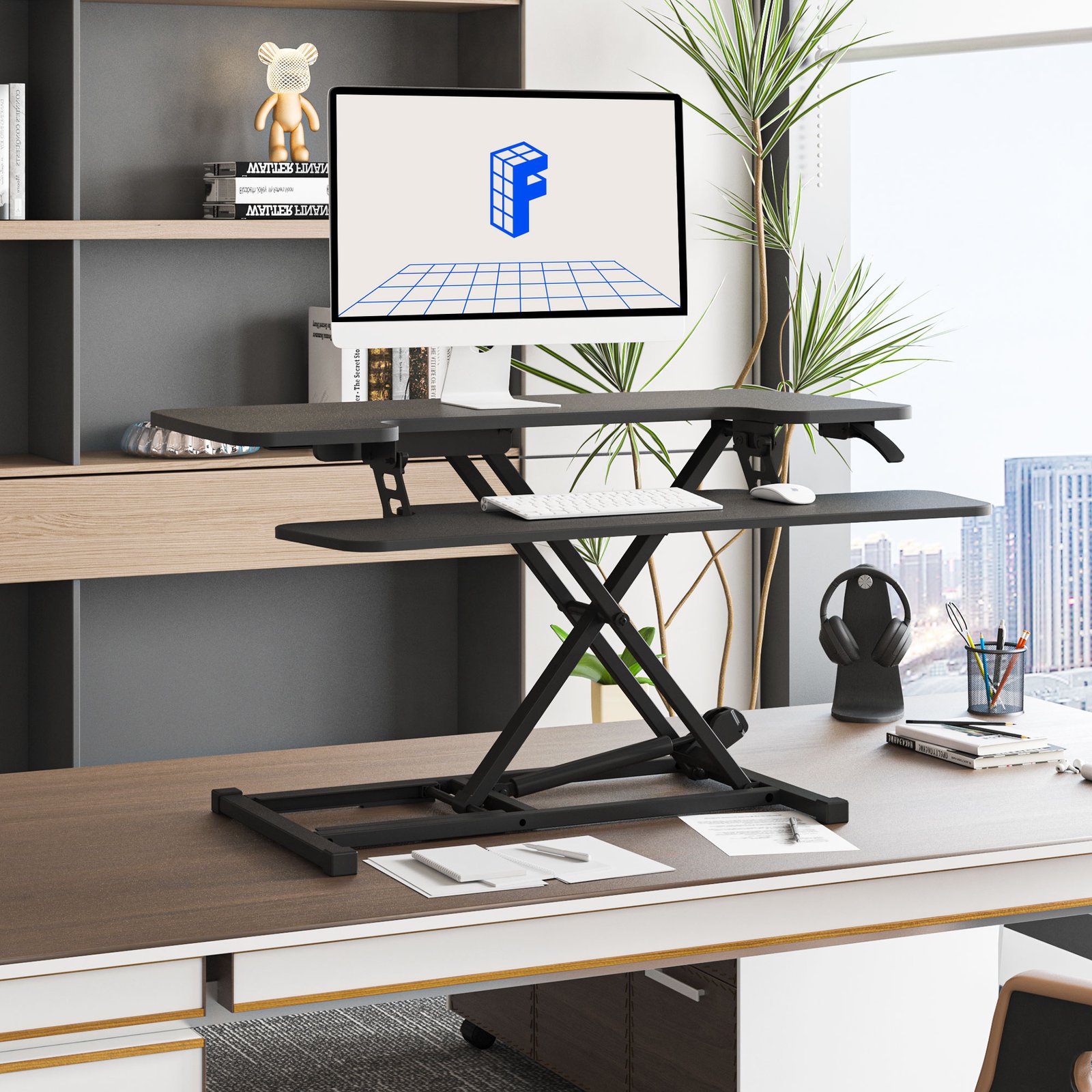
An AlcoveRiser M7 converter instead sits on an existing desk and raises selected equipment. Its own base fitting the surface does not establish the host desk's suitability, the complete loaded arrangement or useful seated keyboard access. Keep the screen and inputs needed for standing work in the plan. The M7 guide explores those checks without treating the family page as a preselected variant.
The existing FlexiSpot photo illustrates an M7-family converter on furniture. It does not prove a particular platform size or show every clearance needed in your room.
Make movement part of the final check
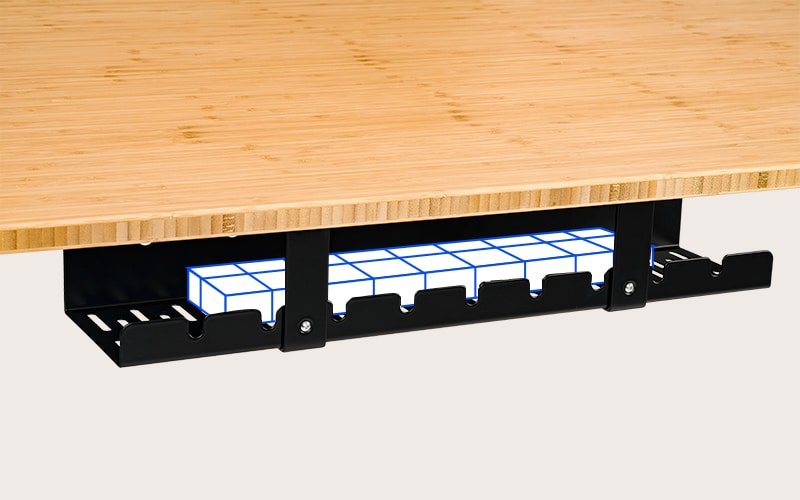
Work through chair approach, screen adjustment, desk movement and the connections you use regularly. Follow the exact equipment instructions for mounting, support and cable handling. The cable-planning guide can help keep a shorter room layout from creating inaccessible plugs or restricted cables.
Choose the configuration that accommodates the work and allows the room to function. If no proposal does both, revisit placement or the equipment arrangement before buying. This is a planning shortlist, not a ranking of compact desks by stability or a pair of approved carts.
Sources and review scope
We read the current US E7 page, M7 family page and linked OSHA guidance on October 29, 2026. The October 29 general M7 extraction did not expose all variant details seen earlier; it does not freshly verify a specific M27SB configuration or handling manual.
DeskSpaceLab has not measured these room scenarios, tested the furniture or verified a current price or stock position. Existing image identity and credit are retained. Product choices still require the selected package's instructions and order terms.
About this guide: An editorial planning profile, not a medical professional. Turns workspace questions into measurements, layout decisions and practical buying sequences. Editorial profile
Keep planning your workspace.
Use the sources and related guides to choose your next step.
Explore standing desks →